

Description
Standard DTF Gang Sheet Builder – Product Description
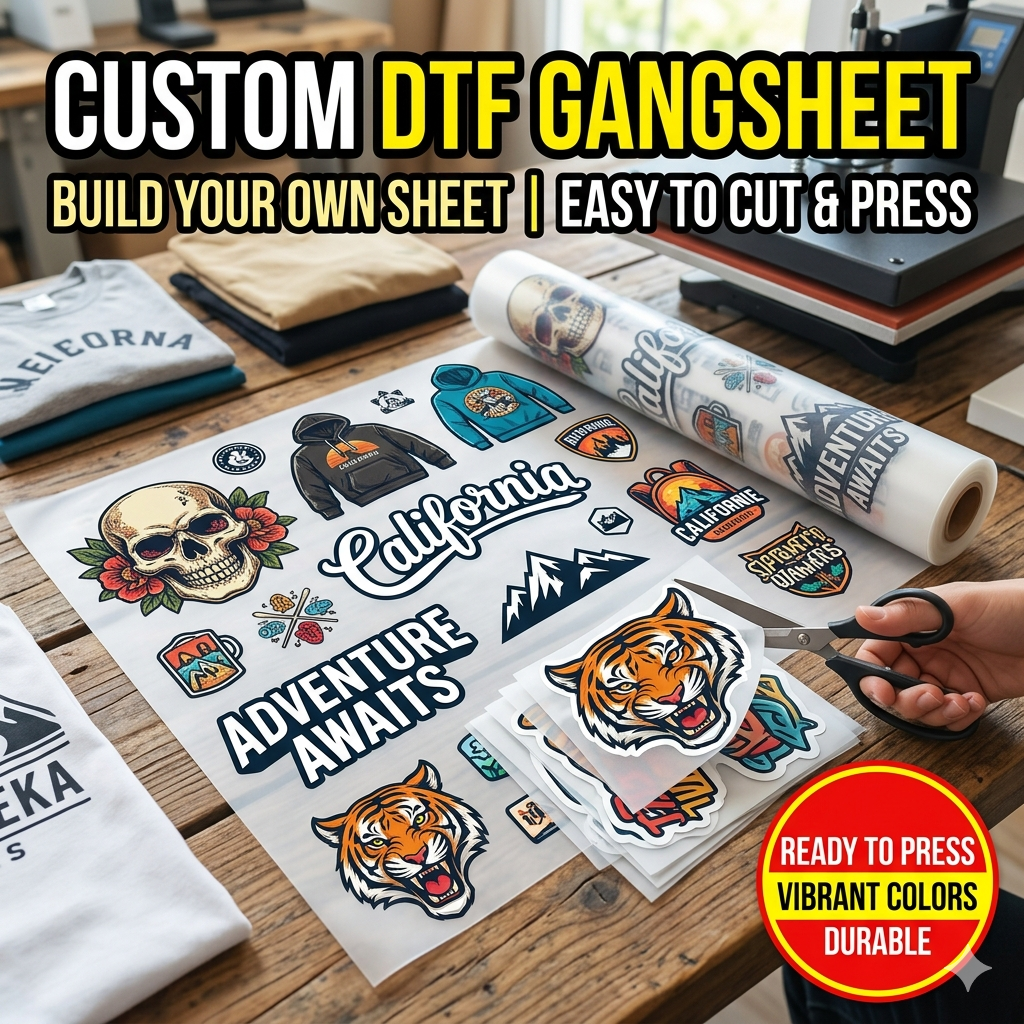
Create high-quality custom prints with our Standard DTF Gang Sheet Builder, designed for easy uploading and professional garment printing results. Simply upload your artwork, arrange your designs, and we’ll handle the rest with premium Direct-to-Film printing for vibrant, durable, and long-lasting transfers.
Perfect for custom apparel brands, small businesses, and personal projects.
Artwork Requirements (Must Follow)
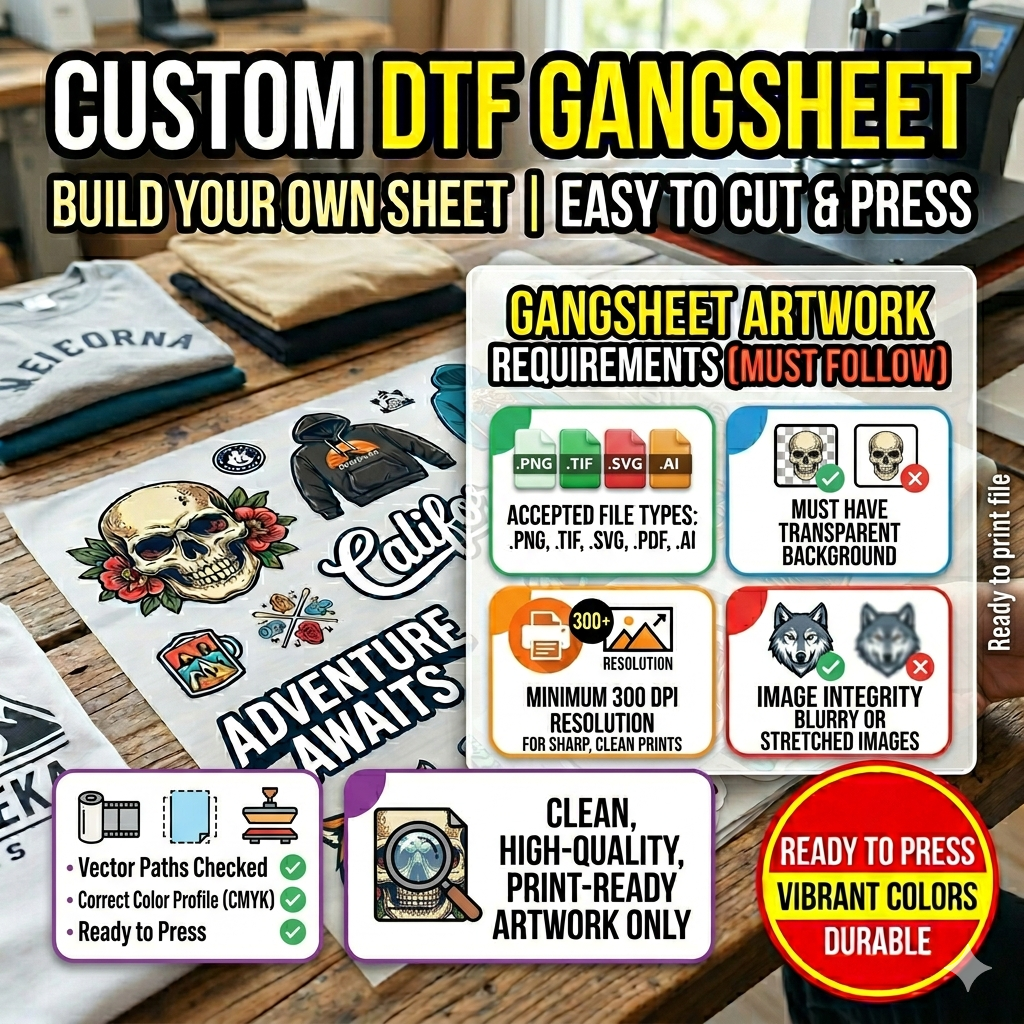
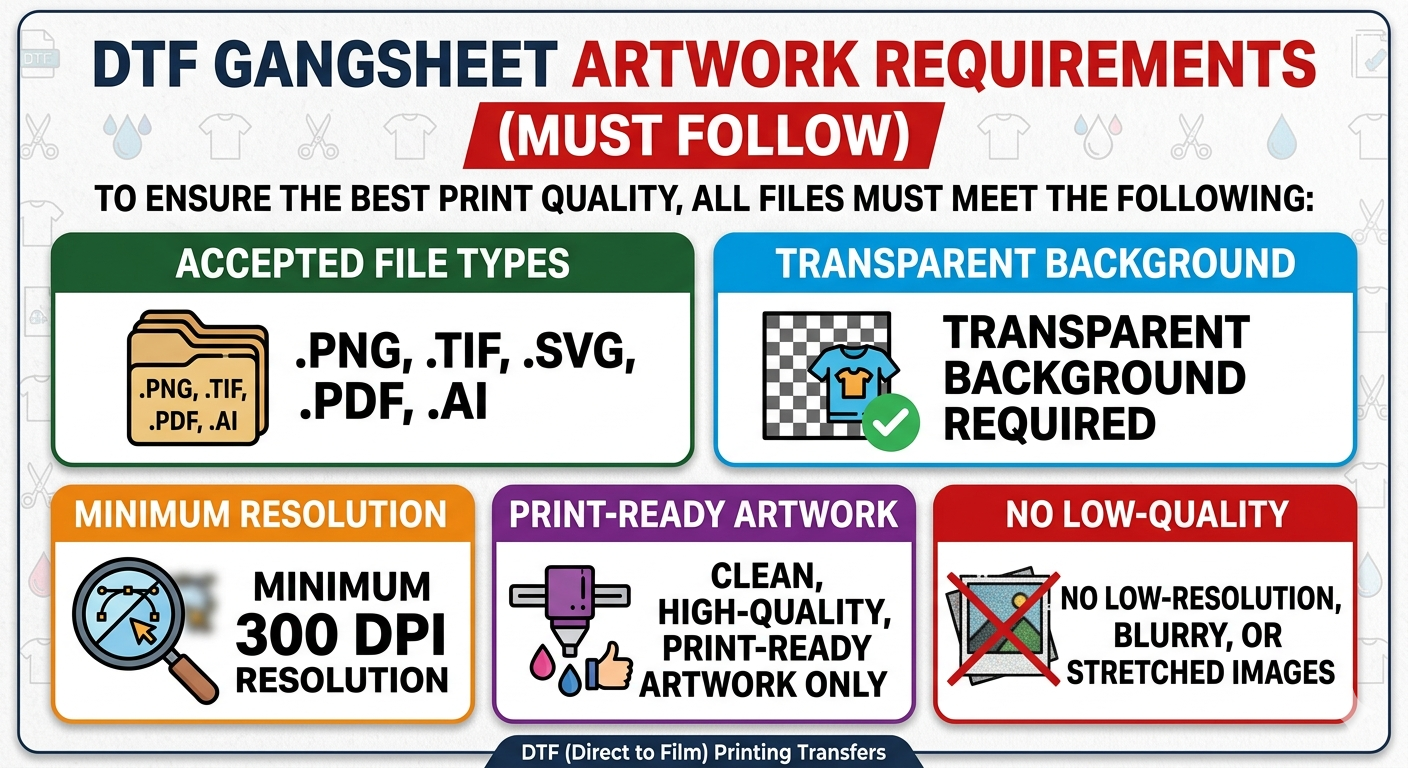
To ensure the absolute best print quality, your uploaded files must meet the following criteria:
-
Accepted File Types:
.PNG,.TIF,.SVG,.PDF,.AI -
Background: Transparent background required (no solid white or colored bounding boxes).
-
Resolution: Minimum 300 DPI resolution scaled to your exact desired print size.
-
Quality Check: Clean, high-quality, print-ready artwork only. Low-resolution, blurry, pixellated, or stretched images will result in poor print quality.
-
Line Thickness: Ensure all fine lines and small text are at least 0.02 inches (approx. 2 pixels) thick so the white ink backing adheres properly.
Note on Color Matching: Colors may vary slightly from what you see on your computer screen due to different monitor calibrations. We print in CMYK format; please ensure your artwork color profile is optimized accordingly for the most accurate results.
Important Printing Notice (Read Carefully)
We are not responsible for poor print quality if artwork is not submitted correctly or does not meet the requirements listed above.
All files will be printed exactly as received (AS IS). No refunds or reprints will be issued for customer-submitted artwork errors.
If you are unsure about your file, resolution, or layout, please contact us before placing your order — we are happy to help.
DTF Print Size Guidelines (Apparel Placement)
Recommended minimum and maximum print sizes for best results:
Front (Full Front)
- Minimum: 8” W x 10” H
- Maximum: 12” W x 14” H
Middle Front / Large Center Chest
- Minimum: 6” W x 6” H
- Maximum: 10” W x 12” H
Chest Front (Left Chest Logo)
- Minimum: 3” W x 3” H
- Maximum: 4.5” W x 4.5” H
Back (Full Back Design)
- Minimum: 10” W x 12” H
- Maximum: 12” W x 16” H
Short Sleeve (Left or Right)
- Minimum: 2.5” W x 2.5” H
- Maximum: 4” W x 4” H
Long Sleeve (Left or Right)
- Minimum: 2” W x 6” H
- Maximum: 3.5” W x 12” H
Hot Peel DTF Transfers – Ready to Press
Supercharge Your Production Speed with Premium Hot Peel DTF
Say goodbye to waiting around for your transfers to cool down. Our Premium Hot Peel Direct-to-Film (DTF) Transfers are engineered for high-volume shops and DIY creators who need commercial-grade quality fast. Print vibrant, razor-sharp graphics on virtually any fabric and peel the film instantly while it’s still hot—cutting your production time in half!
Whether you are printing custom apparel, sports uniforms, or promotional merchandise, our transfers deliver retail-ready results with unmatched durability and an incredibly soft hand-feel.
### Why Choose Our Hot Peel DTF Transfers?
-
True Hot Peel Efficiency: Peel immediately after pressing (0-second dwell time post-press). No more cooling tables, no more bottlenecked production.
-
Vibrant, True-to-Life Colors: Formulated with high-density CMYK + White inks to ensure your graphics pop on both light and dark garments.
-
Superior Stretch & Durability: Our transfers are laboratory-tested to withstand 50+ wash cycles without cracking, fading, or peeling.
-
Ultra-Soft Hand Feel: Lightweight and flexible on the garment, avoiding that heavy, plastic-like feel common with traditional vinyl.
-
Press on Anything: Commercially bonds to 100% Cotton, 100% Polyester, Cotton/Poly Blends, Canvas, Denim, Nylon, and more.
🛠️ Easy Application Instructions (Hot Peel)
For the best results, we recommend using a commercial-grade heat press.
-
Pre-Press: Press your garment for 3–5 seconds to remove any moisture and wrinkles.
-
Position: Place your DTF transfer exactly where you want it, design facing up.
-
First Press: Press at 300°F – 320°F (150°C – 160°C) for 10–12 seconds using Medium-to-Heavy pressure.
-
The Hot Peel: Open the press and peel the film immediately from one corner to the other in a smooth, confident motion while it is still hot.
-
Post-Press (Finishing): Cover the design with parchment paper or a Teflon sheet and press for an additional 5 seconds to lock it into the fibers and achieve your desired finish (matte or glossy).
Need Help?
If you are unsure about sizing, file setup, or artwork quality, please contact us before ordering. We’re here to make sure your prints come out perfect.
Reviews
There are no reviews yet.